


 Beginner
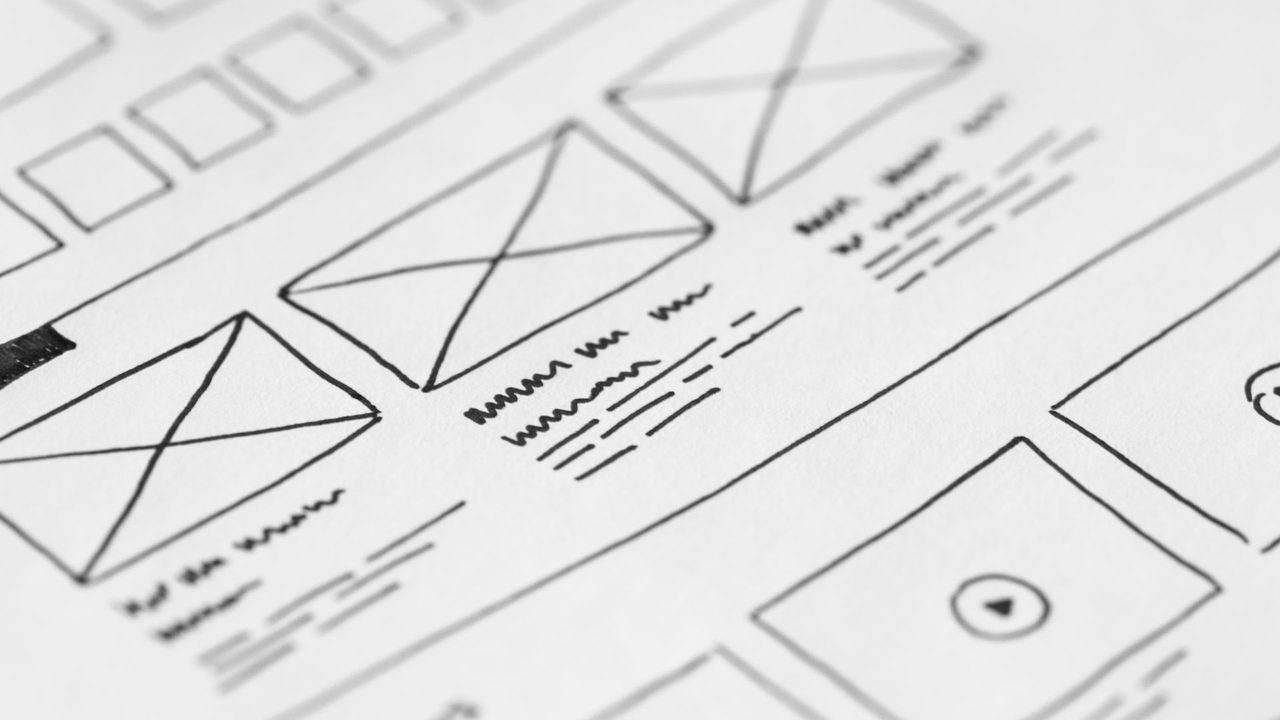
UI/UX Design with Figma
Design usable, good-looking apps: user research, wireframes, visual design and clickable prototypes in Figma.
- 2 Months
- 3 Modules
- 6 Lessons
EDUZENEDUZEN Learning Team
Course Overview
Design clean, usable app screens in Figma, from wireframe to clickable prototype.
2 Modules 4 Lessons 4 Weeks

Meera Krishnan
Product designer who has shipped apps used by millions; teaches design with Figma.
Discover more courses to build in-demand skills, gain industry knowledge, and grow your career.
BeginnerDesign usable, good-looking apps: user research, wireframes, visual design and clickable prototypes in Figma.
 Beginner
Plan, launch and optimise your first Google Ads search campaign.
 Beginner
Go from your first web page to a deployed full stack app in three months: HTML, CSS, JavaScript, React, Node.js and databases, finishing with a capstone project.
 Intermediate
Build a three-statement financial model from scratch and use it to value a company.